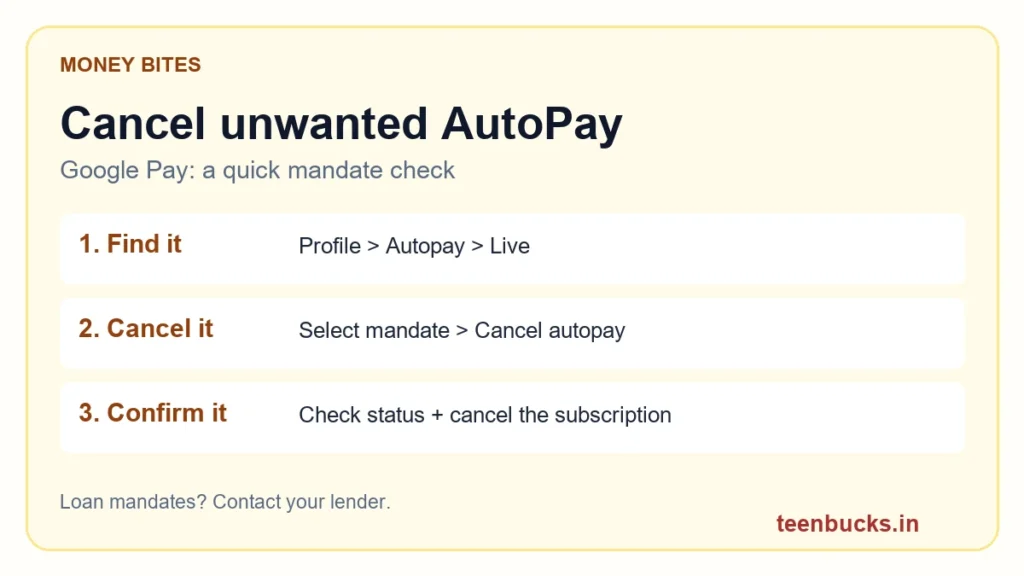
That trial looked harmless. Now there’s another debit, and you barely use the app. Before blaming your spending habits, check what you actually authorised: the subscription and its payment mandate are two things worth checking.
For an unwanted subscription, open the service’s account or billing section and cancel the plan there too. If Google Play bills you, use its Subscriptions page, select the plan and follow the cancellation prompts. Google confirms that uninstalling an app does not cancel its subscription. Save the confirmation rather than assuming you’re done.
Can’t see “Cancel autopay”? Google’s help page says loan-related mandates cannot be cancelled through Google Pay; contact the lender or merchant instead. Don’t use this tip to skip an EMI. For other errors, check that the linked bank account is active and use the mandate’s Get help option.
Cancellation is not an automatic refund for an earlier debit. Keep the transaction details and raise a support request if a charge needs investigation. Only enter your PIN in the genuine app flow—never send it to someone claiming to “cancel AutoPay for you.”
Sources reviewed October 3, 2026: Google Pay’s mandate help and Google Play’s subscription help, linked above. This is a practical explainer, not a newly announced UPI rule.
Go deeper: Find the other UPI spending leaks · Spot fake UPI payment messages.